Billy Wallson
Senior DirectorBilly Wallson is a senior operations director with over 15 years of experience scaling remote teams and implementing lean business strategies.

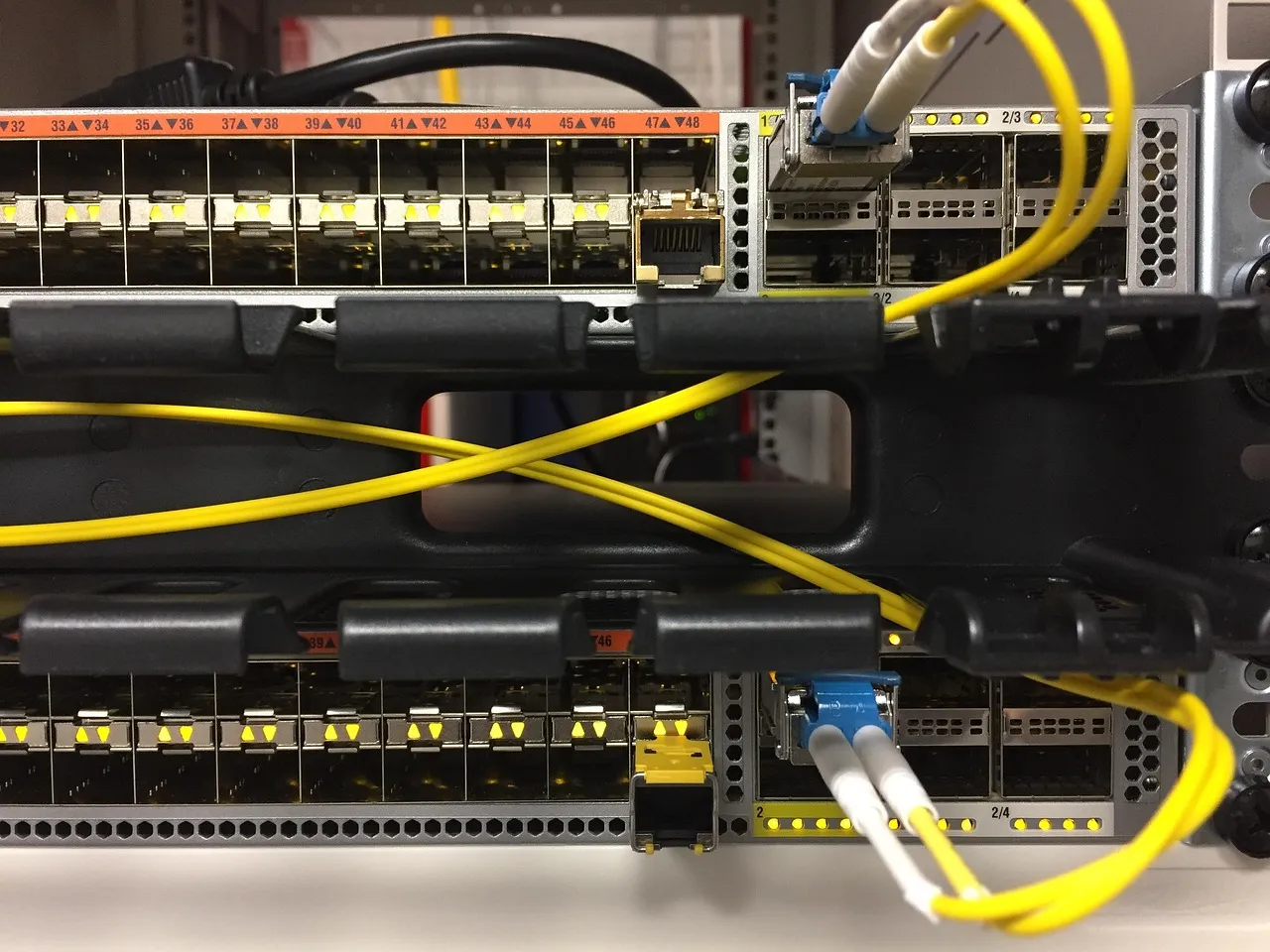
If you have ever felt confused by the terms "hosting" and "domain", you are not alone. Almost every beginner asks the same question: what is hosting and domain, and why do I need both? The answer is simpler than you think — and it starts with an analogy that has helped thousands of Hosting Captain readers grasp the concept in under two minutes.
Imagine you want to open a physical store. You need two things: a plot of land where your shop will stand, and a street address so customers can find you. In the digital world, web hosting is the land — the physical space where your website's files, images, databases, and content reside. The domain name is the address — the sign above the door that tells people where to go. Without land, your shop has nowhere to exist. Without an address, nobody can locate it. The same is true online: without hosting, your website has no place to live; without a domain, no one can visit it.
Think of it another way: your domain is like your phone number, and your hosting is like the phone itself. You can own a phone number (domain) without owning a phone (hosting), but nobody can call you. Conversely, you can own a phone (hosting) with no phone number (domain), but nobody can reach you. Both must work together for the system to function. At Hosting Captain, we have guided over a decade's worth of beginners through this exact distinction, and the land-plus-address analogy consistently makes the light bulb go on.
This analogy is not just a teaching tool — it reflects how the internet's infrastructure actually works. When you type a domain name into your browser, your computer asks a global directory (the Domain Name System, or DNS) to translate that human-readable name into an IP address — a string of numbers that points to the server where your hosting account lives. The domain is the memorable name; the hosting is the machine serving your content. Understanding this fundamental relationship is the first step toward building any website, whether it is a personal blog, a business portfolio, or a full-scale e-commerce store.
A domain name is the unique, human-readable web address that people type into their browser to visit your website — for example, hostingcaptain.com. Behind the scenes, every domain maps to a numerical IP address (such as 192.0.2.1) through the DNS, but since remembering strings of numbers is impractical, domain names were invented to make the web accessible to everyone. As the Mozilla domain name guide explains, domain names are a key part of the internet's infrastructure, acting as the bridge between human memory and machine routing.
Every domain name consists of at least two parts: the second-level domain (the name you choose, such as "hostingcaptain") and the top-level domain or TLD (the extension, such as .com, .org, or .in). Together they form a complete domain like hostingcaptain.com. Some domains add a third part called a subdomain — for instance, blog.hostingcaptain.com — which lets you organize different sections of your site under the same primary domain without purchasing additional names.
Domain names are not bought outright — they are registered for a set period, typically one to ten years, through organizations called domain registrars. The Internet Corporation for Assigned Names and Numbers (ICANN) oversees the global domain name system and accredits registrars to sell domains to the public. When you register a domain, you essentially lease the exclusive right to use that name for the duration of your registration term. As long as you renew it on time, the name remains yours. If you let it expire, it eventually returns to the public pool and anyone else can register it.
Popular domain registrars include Namecheap, GoDaddy, Google Domains (now migrated to Squarespace), and Porkbun. Many web hosting companies — including Hosting Captain's recommended partners — also offer domain registration as an add-on service, which can simplify billing and management by keeping everything under one roof.
The TLD you choose matters for branding, trust, and sometimes geography. The .com extension remains the gold standard — it is universally recognized, easy to remember, and tends to carry the most authority in users' minds. The .org extension is traditionally associated with non-profit organizations but is open to anyone. Country-code TLDs like .in (India), .co.uk (United Kingdom), or .ca (Canada) signal a local presence and can improve trust among regional audiences. Newer generic TLDs such as .blog, .shop, and .tech offer creative alternatives when the .com version of your desired name is taken, though they may not carry the same instant recognition.
Web hosting is the service that stores your website's files — HTML documents, CSS stylesheets, images, videos, databases, and scripts — on a specialized computer called a server, which is connected to the internet 24 hours a day, 7 days a week. When someone visits your domain, their browser sends a request to your hosting server, and the server responds by delivering the requested page. Without hosting, your domain would point to an empty lot with nothing to show.
For a deeper dive into how web hosting works at a fundamental level, read our beginner-friendly guide: what is web hosting — the simplest explanation you will find. That article walks you through servers, uptime, and the mechanics of serving web pages in plain English, complementing the domain-versus-hosting distinction we are covering here.
Not all hosting is created equal. Different websites have different needs, and the hosting industry has evolved to offer a spectrum of solutions:
When comparing hosting plans, you will encounter terms like disk space, bandwidth, CPU cores, and RAM. These metrics define your hosting capacity — essentially, how much content you can store and how many visitors your site can handle simultaneously. We have a dedicated article on what website hosting capacity is and how it is measured that breaks down each metric in detail. Understanding capacity helps you avoid overpaying for resources you do not need or, conversely, choosing a plan too small that crashes under traffic spikes.
Registering a domain and purchasing hosting are two separate transactions — they do not automatically talk to each other. The glue that binds them together is the Domain Name System, or DNS. Think of DNS as the internet's phonebook: it translates the domain name you type into the IP address of the server where your website lives.
ns1.hostingcompany.com and ns2.hostingcompany.com.If you registered your domain and bought hosting from the same company, this connection is often configured automatically. If you used different providers, you need to update the nameservers manually — a straightforward process that usually takes less than five minutes. Most hosting companies provide step-by-step instructions, and at Hosting Captain we always recommend keeping a record of your nameserver addresses in a safe place.
While nameservers are the primary link between domain and hosting, DNS includes many other record types that control different aspects of your online presence:
www.yourdomain.com to yourdomain.com).For most beginners, updating nameservers is the only DNS task required to connect a domain to hosting. Advanced DNS management becomes relevant when you set up custom email, integrate third-party services, or implement security measures like SSL certificates.
One of the most common points of confusion is understanding who sells what. Domain registrars are companies accredited to sell and manage domain names. Web hosting providers are companies that rent server space for storing website files. These are two distinct business functions, although many companies offer both services.
These companies focus primarily on domain names. They excel at domain management tools, competitive renewal pricing, and features like WHOIS privacy protection (which hides your personal contact information from the public domain database). Examples include Namecheap, Porkbun, and Dynadot. If you plan to own multiple domains or frequently buy and sell domain names, a dedicated registrar often provides the best experience and pricing.
Most major hosting providers — including Bluehost, SiteGround, Hostinger, and A2 Hosting — offer domain registration as a complementary service. The advantage is convenience: a single dashboard for both domain renewal and hosting management, one company to contact for support, and often a free domain name for the first year as part of a hosting bundle. The trade-off is that domain renewal prices from hosting companies can sometimes be higher than those of dedicated registrars, and the domain management interface may be less refined.
Yes — and for most beginners, it is the path of least resistance. Purchasing your domain and hosting from the same provider offers several practical advantages:
That said, there are valid reasons to keep them separate. Advanced users sometimes prefer to keep their domain with a dedicated registrar for better domain management tools and then point it to a hosting provider of their choice. This approach also makes it easier to switch hosting companies in the future — your domain stays put, and you simply update the nameservers to point to the new host. Both strategies work; the best choice depends on your comfort level and long-term plans.
Domains and hosting plans are subscription-based services with fixed terms. Forgetting to renew either one can have consequences — and the outcomes are quite different depending on which service lapses.
When your domain registration expires, it does not immediately become available for someone else to buy. Instead, it follows a multi-stage lifecycle designed to give the original owner every opportunity to recover it:
Hosting Captain's advice: Enable auto-renewal on all critical domains. The small inconvenience of an automatic charge is far better than losing a domain you have built your brand on. We have seen businesses lose domains they owned for years because a credit card expired and the renewal email went to spam.
When your hosting plan expires, your hosting provider typically suspends your account after a short grace period (often 5–15 days). Your website goes offline, and any emails stored on the server become inaccessible. Most reputable hosts retain your data for 30–60 days after expiration, giving you a window to renew and restore service. However, this is not guaranteed — always check your host's terms of service. Unlike a domain, which has an ICANN-mandated redemption process, hosting data retention is entirely at the provider's discretion. Back up your website regularly, and do not rely on your host to keep your data indefinitely after expiration.
You are never locked into your domain registrar. Domain transfers allow you to move your domain from one registrar to another — for example, from a hosting company's bundled domain service to a dedicated registrar, or vice versa. The process is standardized across the industry and governed by ICANN rules.
Important restrictions: ICANN prohibits transferring a domain within 60 days of initial registration or a previous transfer. Additionally, your domain must be at least 60 days old to be transfer-eligible. Domain transfers do not affect your hosting — your website files remain on your hosting server, and the nameserver settings typically survive the transfer unchanged. However, if your email service or other DNS records are managed through the losing registrar, you must recreate them at the new registrar before the transfer completes.
A professional email address based on your domain — such as contact@yourbusiness.com — builds credibility far more effectively than a generic Gmail or Yahoo address. When you own a domain, you have the right to create email addresses on that domain, but you need a service to host those mailboxes.
Email hosting can be provided by the same company that hosts your website or by a separate email specialist. The DNS MX (Mail Exchange) records tell the internet where to deliver email for your domain. If your web host also handles your email, the MX records point to your hosting server. If you use Google Workspace, Microsoft 365, or a dedicated email hosting provider, you update the MX records to point to their servers instead.
Many shared hosting plans include free email hosting with a limited number of accounts, which is sufficient for small businesses and personal websites. For larger teams requiring collaboration tools, cloud storage, and advanced spam filtering, dedicated email services like Google Workspace (starting around $6 per user per month) or Zoho Mail (with a free tier for up to 5 users) offer a more robust experience.
At Hosting Captain, we strongly recommend setting up at least one domain-based email address for every website you own. It signals professionalism, improves deliverability compared to free email addresses, and reinforces your brand with every message you send.
Understanding the cost landscape helps you budget realistically and avoid sticker shock when renewal prices kick in. Below is a practical breakdown based on market averages as of 2025, gathered from Hosting Captain's regular price monitoring across major registrars and hosting providers.
| TLD | Typical First-Year Price | Typical Renewal Price | Best For |
|---|---|---|---|
.com |
$10 – $15 | $12 – $18 / year | Businesses, blogs, global audiences |
.org |
$10 – $15 | $12 – $18 / year | Non-profits, communities, open-source projects |
.in |
$3 – $7 | $6 – $10 / year | India-focused businesses, local brands |
.net |
$12 – $16 | $14 – $20 / year | Tech companies, network services |
.co |
$20 – $30 | $25 – $35 / year | Startups, alternative to .com |
Note: Many registrars offer deep first-year discounts that rise significantly at renewal. Always check the renewal price before purchasing — a $1 first-year .com may renew at $18. Some registrars are transparent about this; others bury the renewal rate in fine print. Hosting Captain recommends Namecheap and Porkbun for their consistently fair renewal pricing and free WHOIS privacy included on most TLDs.
| Hosting Type | Typical Monthly Price | Best For |
|---|---|---|
| Shared Hosting | $3 – $10 / month | Small sites, blogs, portfolios |
| VPS Hosting | $20 – $80 / month | Growing sites, agencies, developers |
| Cloud Hosting | $10 – $100+ / month | SaaS apps, scalable projects |
| Dedicated Hosting | $80 – $300+ / month | Large e-commerce, enterprise sites |
| Managed WordPress | $5 – $30 / month | WordPress users wanting hands-off management |
Most hosting providers advertise their lowest possible monthly rate, which almost always requires committing to a multi-year term (typically 36 months). The month-to-month price for the same plan can be two to three times higher. When you factor in domain registration ($10–$15/year), shared hosting ($3–$10/month), and optional SSL (free with most modern hosts, or see our SSL certificates guide for premium options), the total cost to launch a basic website ranges from approximately $50 to $150 per year.
You now understand what hosting and domains are, how they differ, and how they work together. Here is a concise, actionable plan to take you from zero to a live website, informed by the onboarding process Hosting Captain has refined for thousands of beginners.
Brainstorm a name that is short, memorable, and relevant to your purpose. Avoid hyphens, numbers, and complex spellings. Use your registrar's search tool to check availability. If your preferred .com is taken, consider whether a different TLD works or if you can tweak the name without losing its identity. Once you decide, register the domain — ideally with auto-renewal enabled and WHOIS privacy turned on.
For first-time website owners, shared hosting is almost always the correct starting point. It is affordable, easy to manage, and sufficient until your traffic grows into the thousands of daily visitors. Read our shared hosting guide to understand what to look for in a plan. If you are building with WordPress, consider managed WordPress hosting for its convenience. If you anticipate rapid growth, cloud hosting offers flexibility to scale without migrating later.
If you purchased both from the same company, skip to Step 4 — the connection is likely already configured. If you used separate providers, log into your domain registrar, locate the DNS or nameserver settings, and replace the existing nameservers with those supplied by your hosting provider. Save the changes and allow time for DNS propagation, which typically completes within a few hours but can take up to 48 hours in rare cases.
SSL (Secure Sockets Layer) certificates encrypt data between your visitors' browsers and your server, displaying the padlock icon and https:// in the address bar. Most modern hosts include free SSL via Let's Encrypt — enable it immediately. Google Chrome marks non-HTTPS sites as "Not Secure," which can deter visitors. Our SSL certificates guide explains the types and setup in detail.
With your domain connected and hosting active, you are ready to build. Most hosts offer one-click installers for WordPress, Joomla, Drupal, and other content management systems. Alternatively, you can upload a static HTML site via FTP or use a website builder provided by your host. Once your content is ready, remove any "Coming Soon" or placeholder pages, test every link and form, and announce your launch.
Create at least one email address on your domain (e.g., hello@yourdomain.com) as described in Section 9. Configure it on your phone and computer so you never miss an inquiry. This small step dramatically improves your professional image from day one.
A domain is your website's address (what people type to find you), while hosting is the physical space where your website's files are stored and served. You need both for a functioning website — the domain directs visitors to the hosting server that holds your content.
Yes. You can register a domain name at any time without purchasing hosting. The domain will simply not display a website until you connect it to a hosting account. Many people register domains years in advance to secure a desired name before they are ready to build a site.
Technically, yes — you can access a hosted website using its IP address directly (e.g., http://192.0.2.1/). However, this is impractical for real-world use. No visitor will remember or trust an IP address URL, and many hosting configurations and SSL certificates require a domain name to function properly.
For beginners, buying both from the same company is the simplest option — it eliminates manual DNS configuration and centralizes billing and support. Advanced users or those managing multiple domains may prefer a dedicated registrar for better domain management tools and easier hosting migrations. Both approaches are valid.
DNS propagation — the process of nameserver changes spreading across the global DNS network — typically takes a few minutes to a few hours. In rare cases, it can take up to 48 hours. During propagation, some visitors may reach the old server while others see the new one. You can check propagation status using tools like WhatsMyDNS.net.
Your website and email stop working immediately upon expiration. A grace period (up to 45 days) allows you to renew at the standard price. After that, a redemption period (about 30 days) lets you recover the domain for a significantly higher fee ($80+). Once the domain is released to the public, anyone can register it. Enabling auto-renewal prevents this entirely.
Yes. Domain transfers are a standardized, ICANN-governed process. You unlock the domain, obtain an authorization code from your current registrar, and initiate the transfer with the new registrar. Transfers typically complete within 5–7 days. You cannot transfer a domain within 60 days of initial registration or a previous transfer.
Not necessarily. Most shared hosting plans include basic email hosting. However, if you need advanced features like large mailboxes, team collaboration tools, or superior spam filtering, a dedicated email service such as Google Workspace or Microsoft 365 is recommended. MX records in your DNS settings determine where your domain's email is routed.
A basic website with a .com domain and shared hosting typically costs between $50 and $150 per year total, depending on your choice of registrar, hosting provider, and plan term length. Domain registration is roughly $10–$15 per year, and entry-level shared hosting runs $3–$10 per month when paid annually or multi-year.
Nameservers are specialized servers that tell the internet where your domain's DNS records are managed — and ultimately, which hosting server to direct visitors to. When you purchase hosting, your provider operates nameservers that know your server's IP address. Changing your domain's nameservers to point to your host's nameservers is the essential step that links your domain to your hosting account.
Yes, most shared hosting plans support multiple domains through add-on domains, parked domains, or a multi-site allowance. However, each additional domain consumes the same pool of resources (disk space, bandwidth, CPU). If you plan to host several high-traffic sites, a VPS or cloud hosting plan with dedicated resources per site is a better choice.
WHOIS is a public database that lists the contact information of domain owners — name, address, email, and phone number. WHOIS privacy (also called domain privacy) replaces your personal details with anonymized proxy information in the public record. It protects you from spam, unwanted solicitations, and potential harassment. Many registrars now include it for free; if yours does not, the cost is typically $2–$5 per year and is well worth it.
If you still have questions about what is hosting and domain, or need personalized guidance on choosing the right setup for your project, explore our full blog or reach out through our contact page. At Hosting Captain, we are committed to making web hosting understandable for everyone — whether you are launching your first personal blog or scaling a growing business.

Billy Wallson is a senior operations director with over 15 years of experience scaling remote teams and implementing lean business strategies.

Hosting Captain has been exceptional for my e-commerce store in Pune. The NVMe SSD speed is noticeable, and their support team responds within minutes. Highly recommended for any Indian business!
Switched from a US-based host to Hosting Captain and my website loads 3x faster for Indian visitors. The free SSL and cPanel are great, and the pricing is unbeatable. Very satisfied customer!
I've been using their VPS plan for 2 years now. 99.9% uptime is not just a claim — it's reality. My client projects run without interruption. The KVM virtualization gives me full control I need.
The support team helped me migrate my entire WordPress site at 2 AM without any downtime. This level of service is rare in Indian hosting. Worth every rupee!
As a startup, budget matters. Hosting Captain's Business plan covers everything we need — multiple websites, free SSL, daily backups — at a fraction of what international hosts charge.
Our high-traffic news portal needed a dedicated server. Hosting Captain's DS Business plan handles 100K+ daily visitors effortlessly. Their team provisioned everything within 4 hours!








From personal blogs to enterprise solutions, we've got you covered!

© 2026 Hosting Captain. All Rights Reserved by 'Apollo Hosting'.



